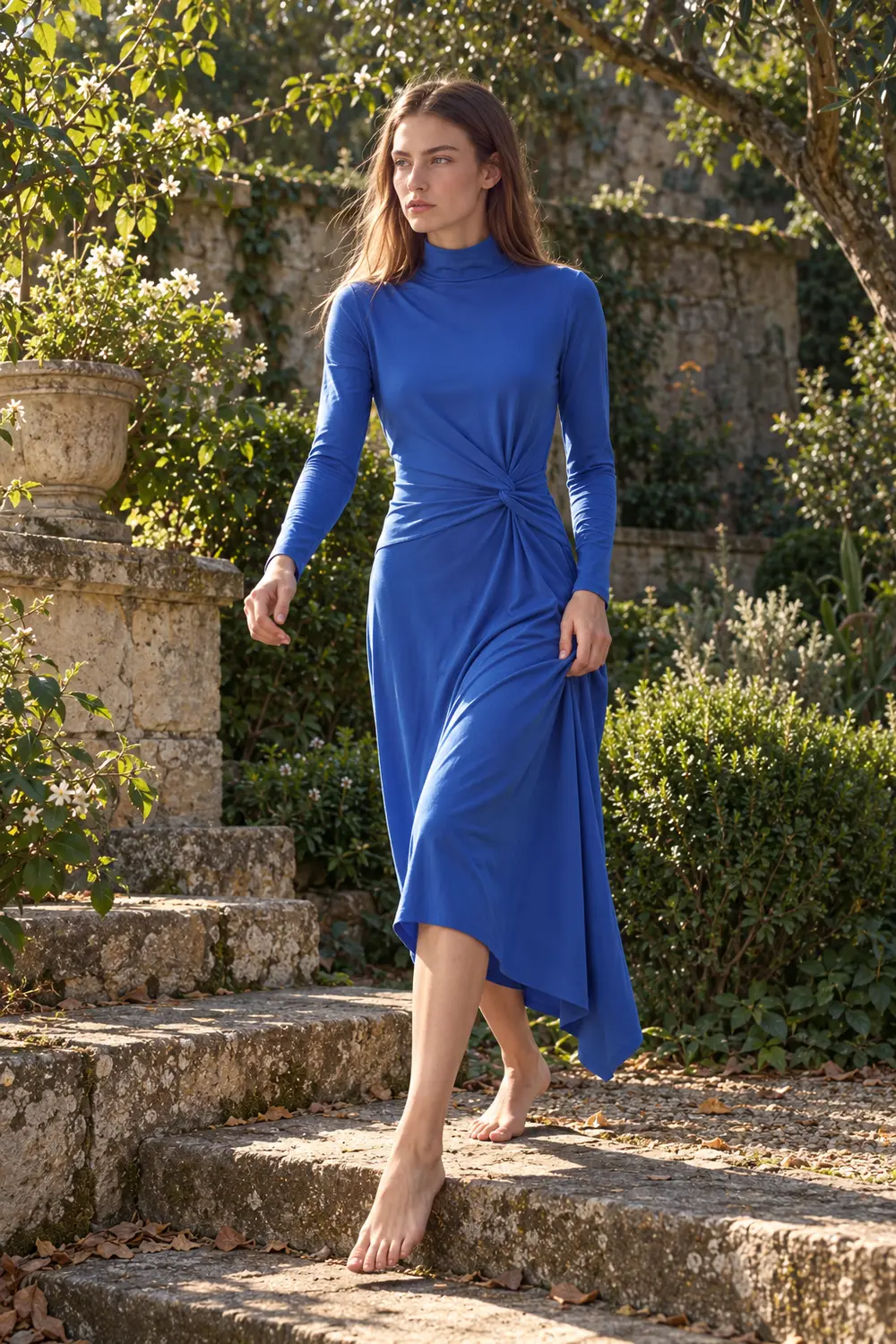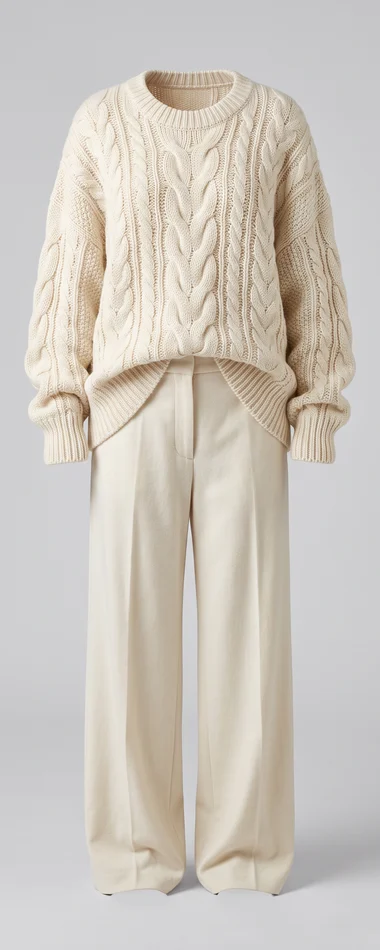
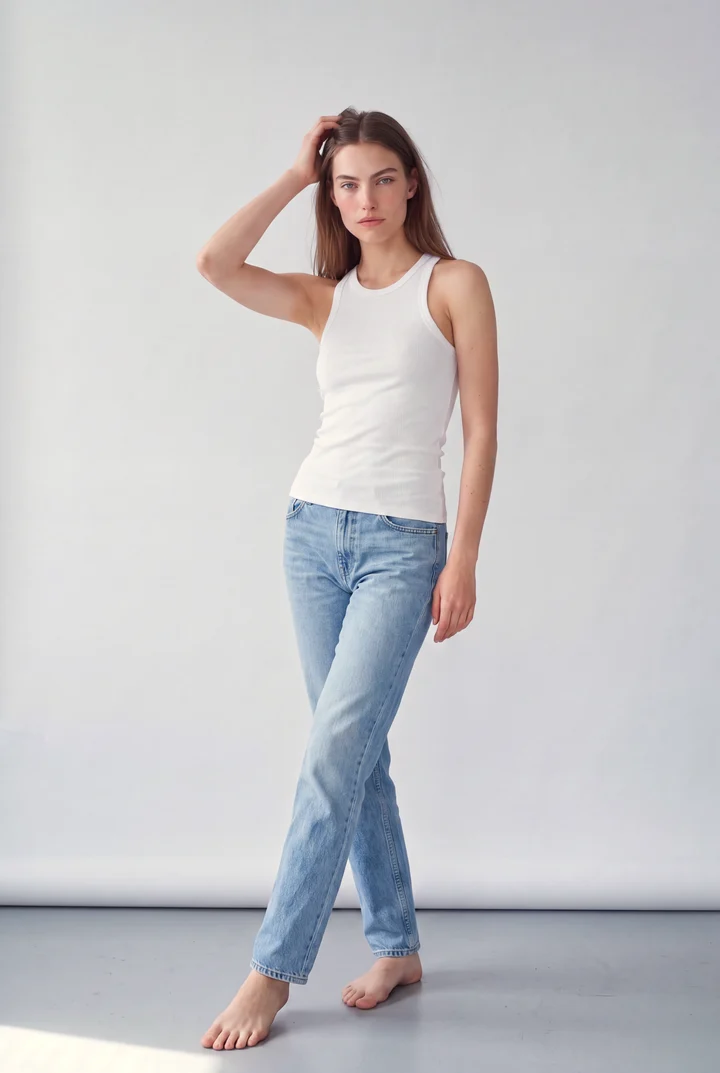
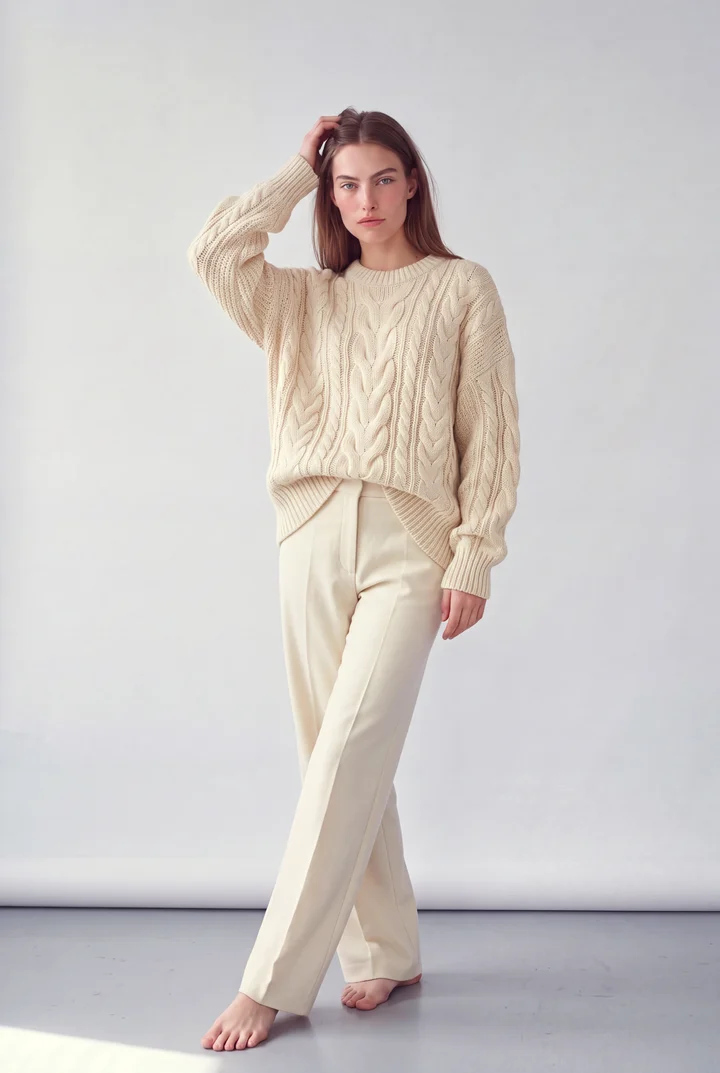
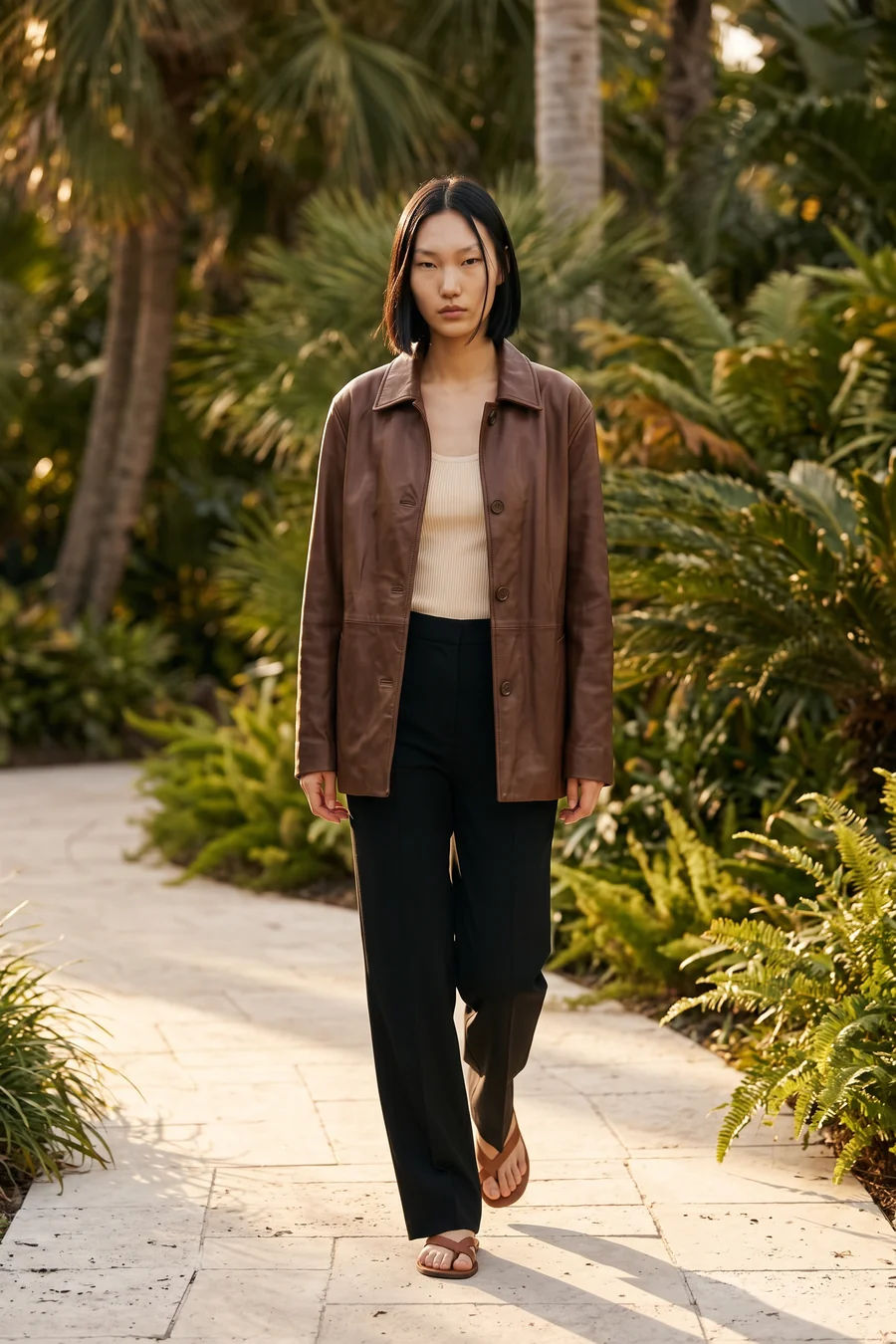
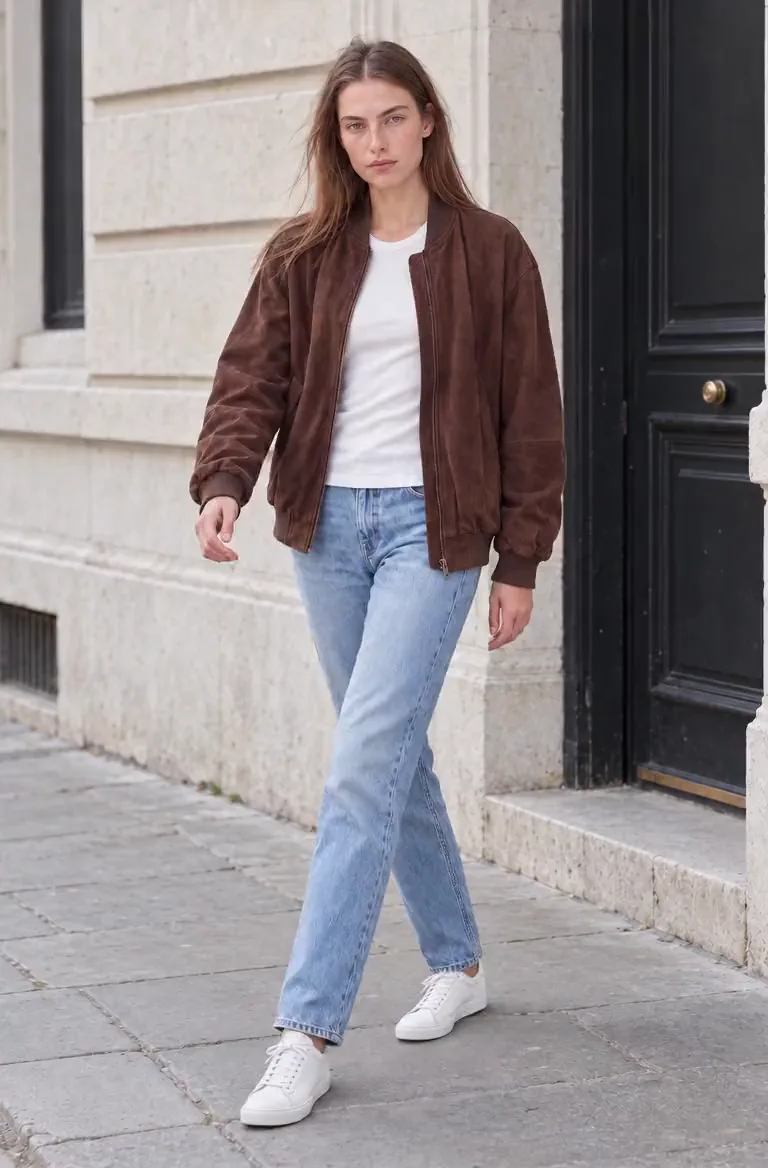
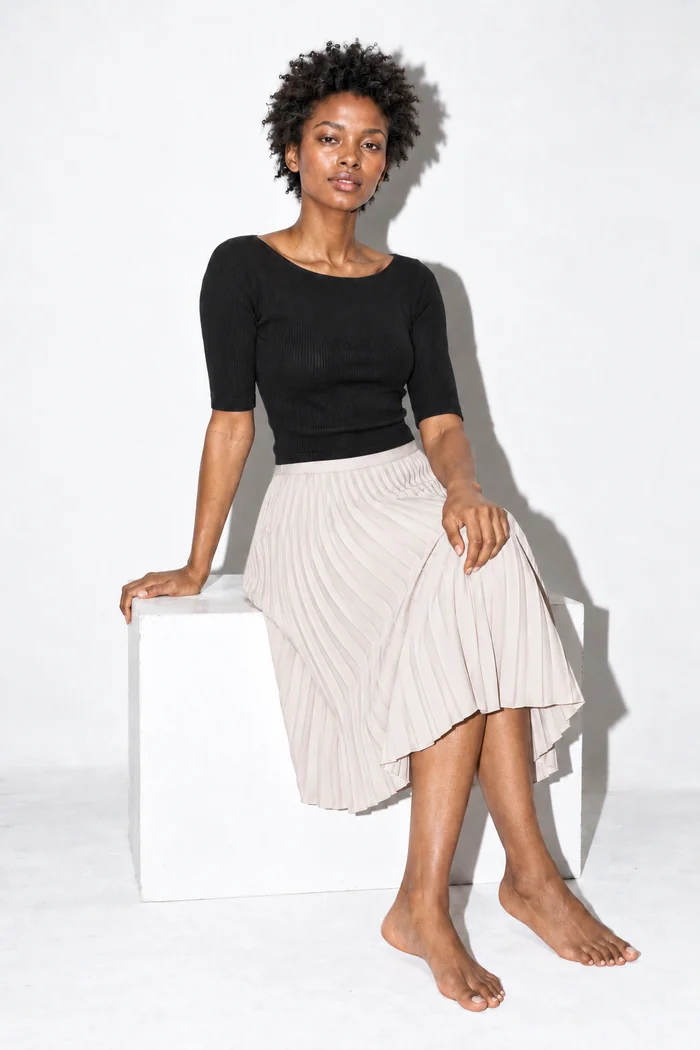
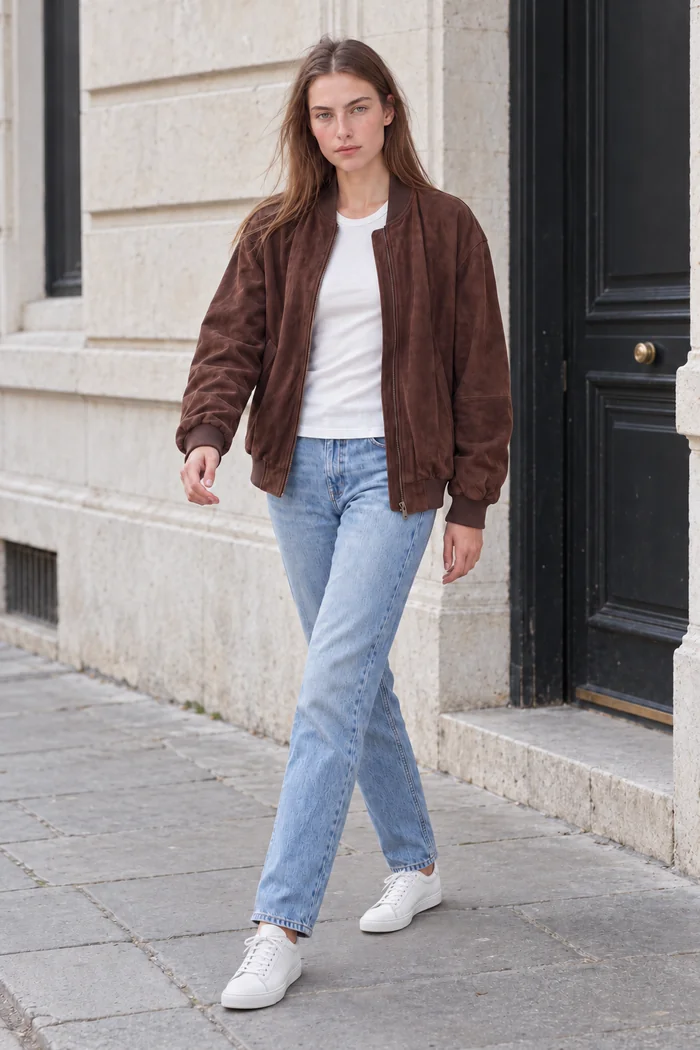
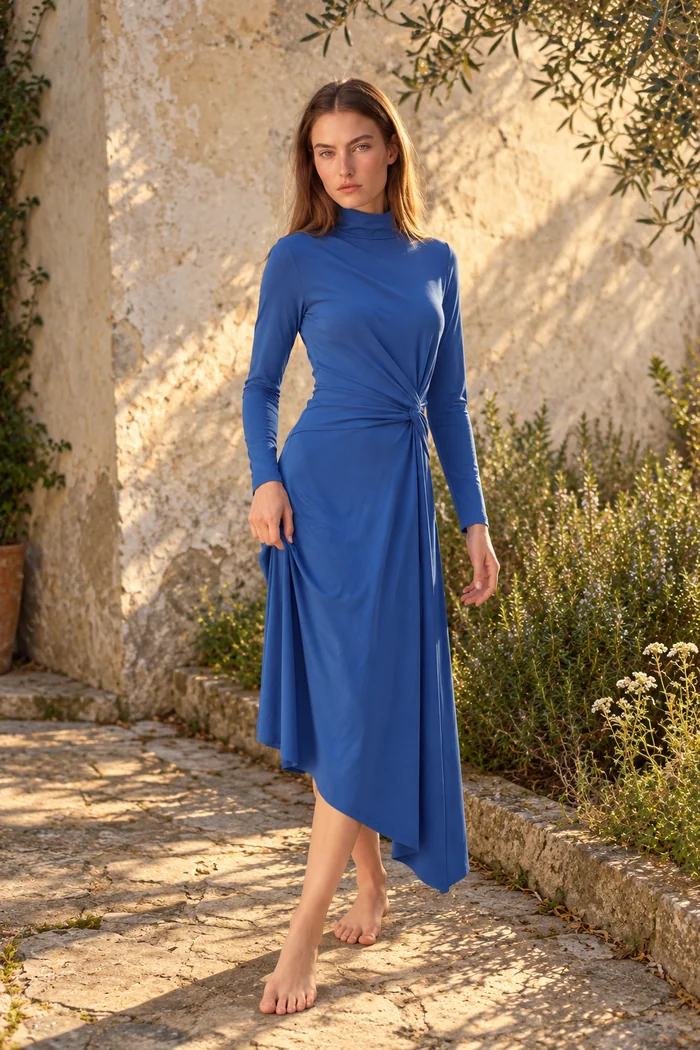
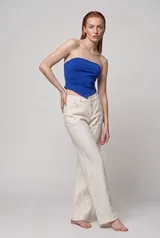
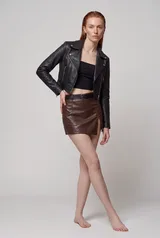
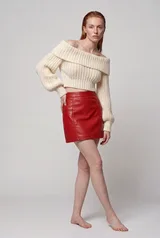
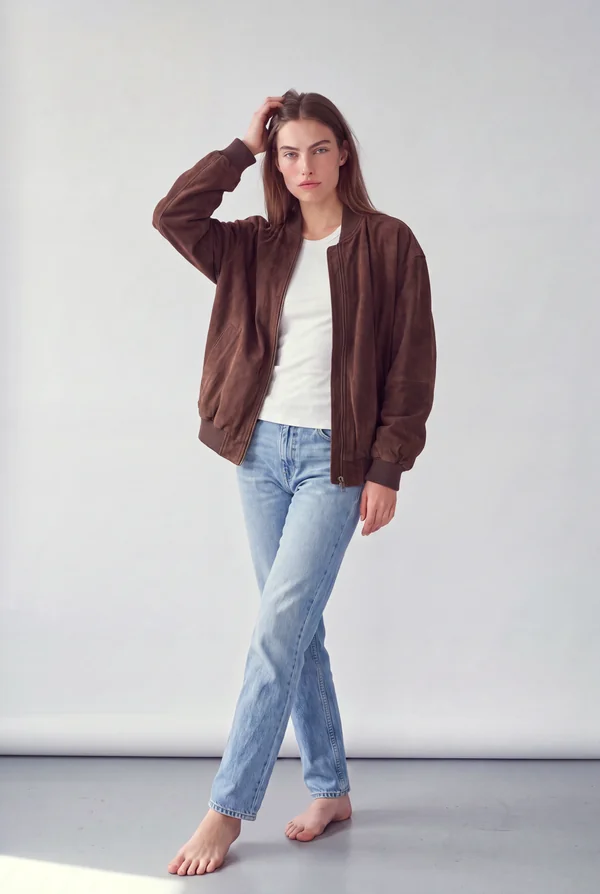
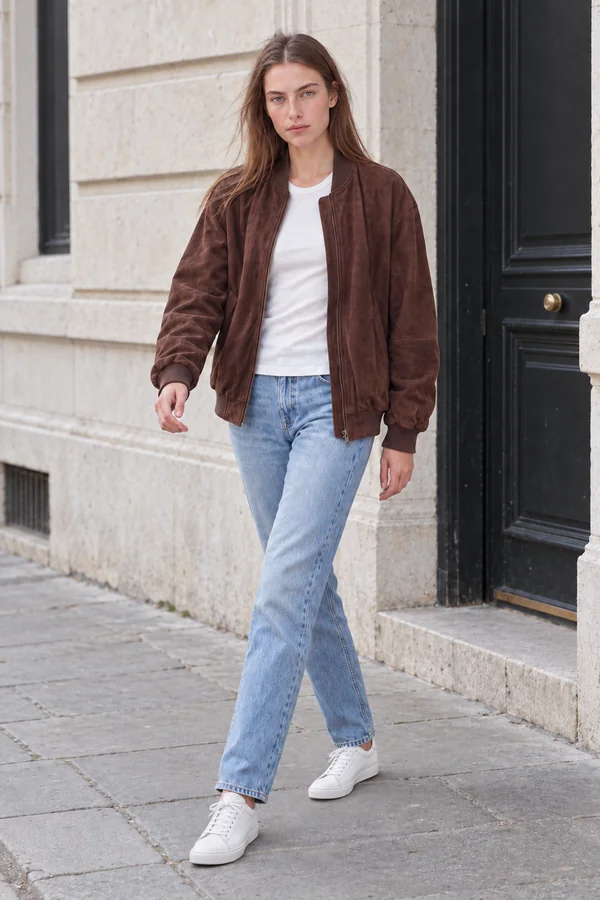
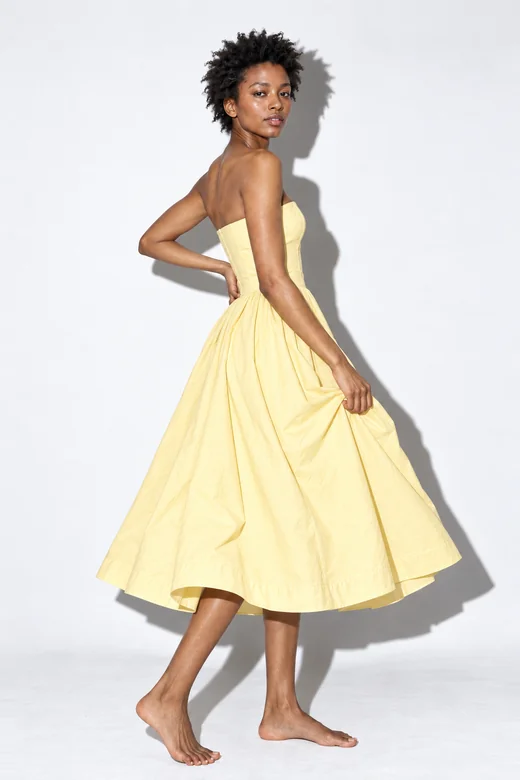
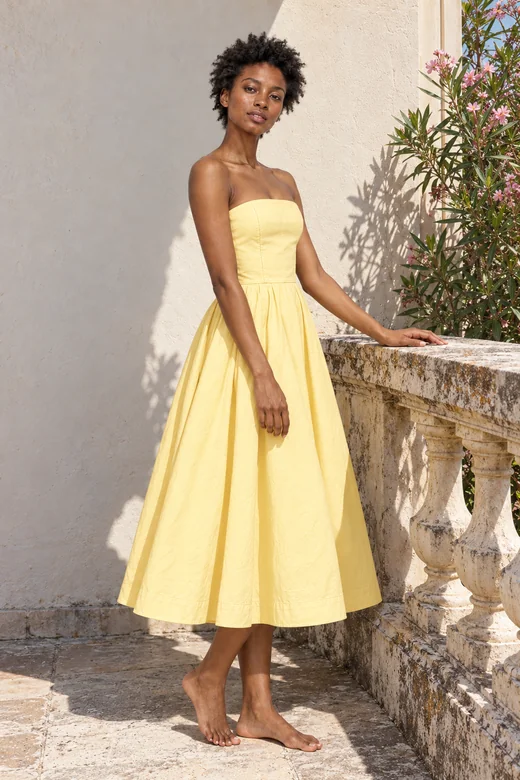
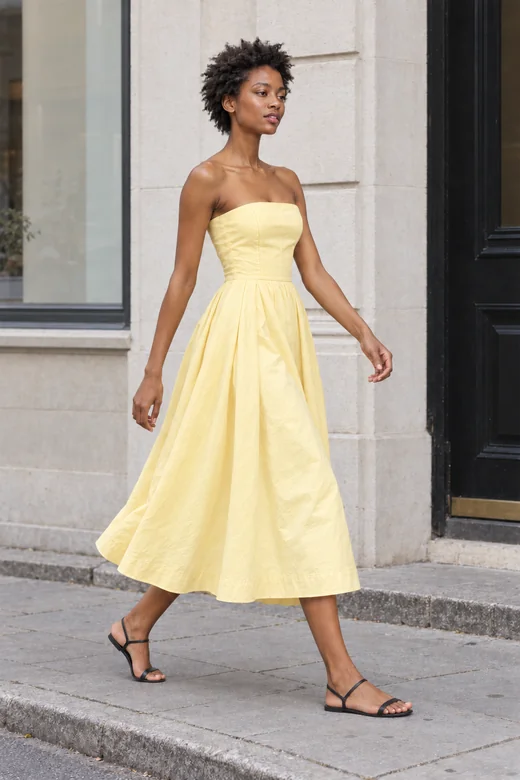
New collections
Put a full drop on your models in one run, ready for the product pages.
Select your models and your garments, choose how to pair them, and let the batch run in the background while you work.
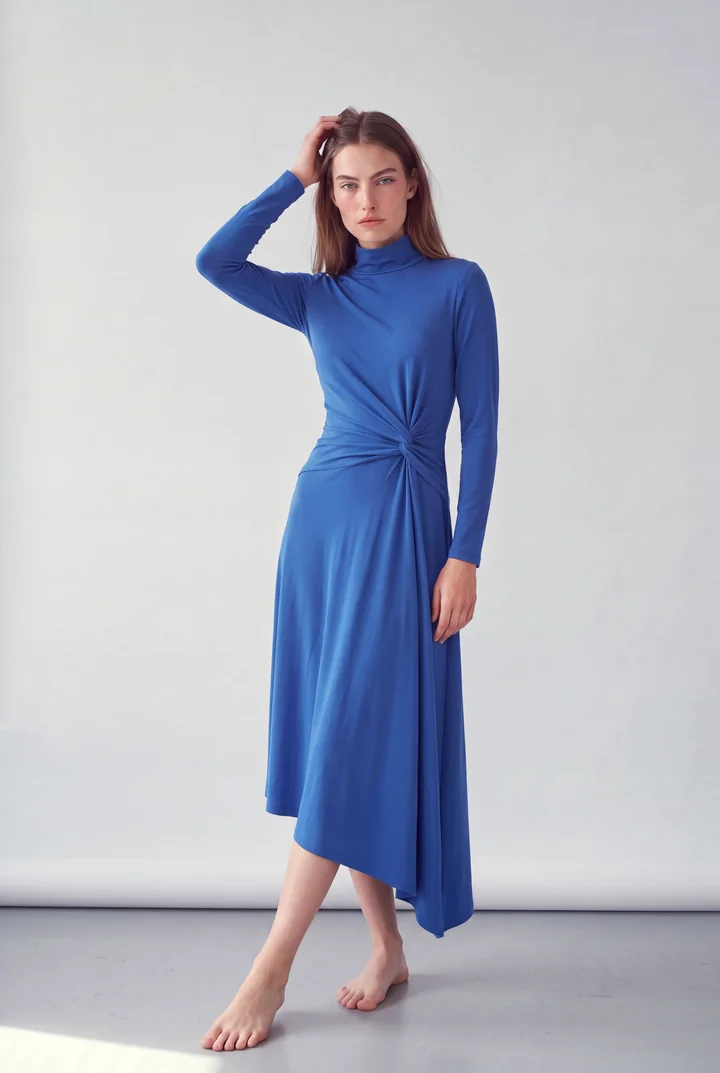
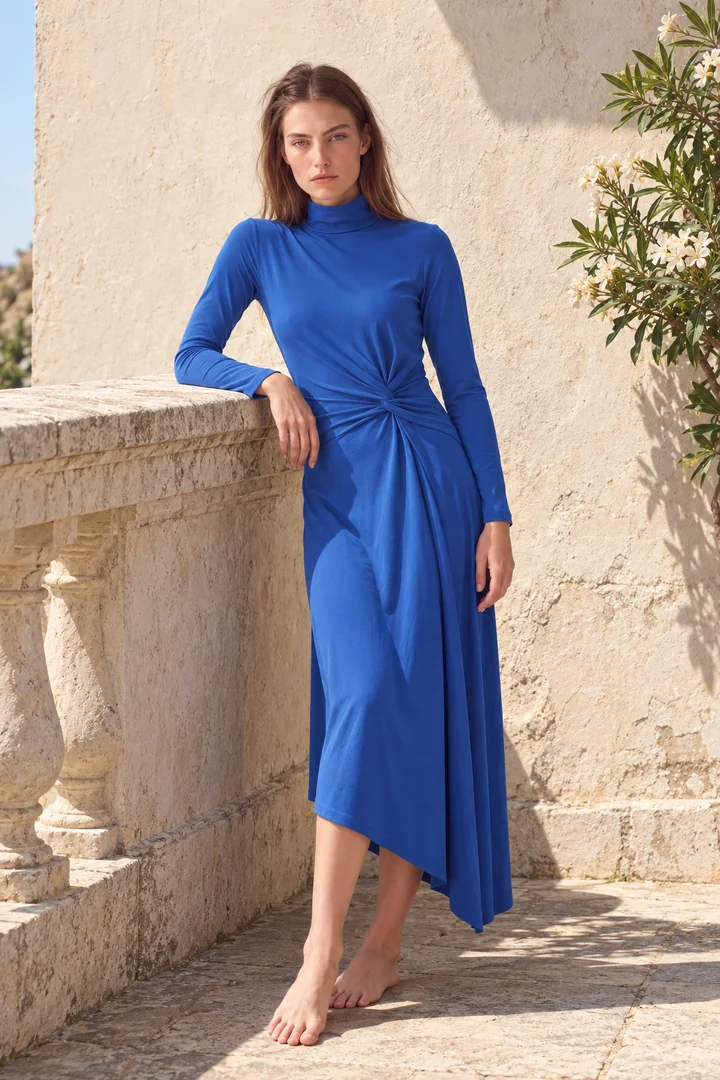
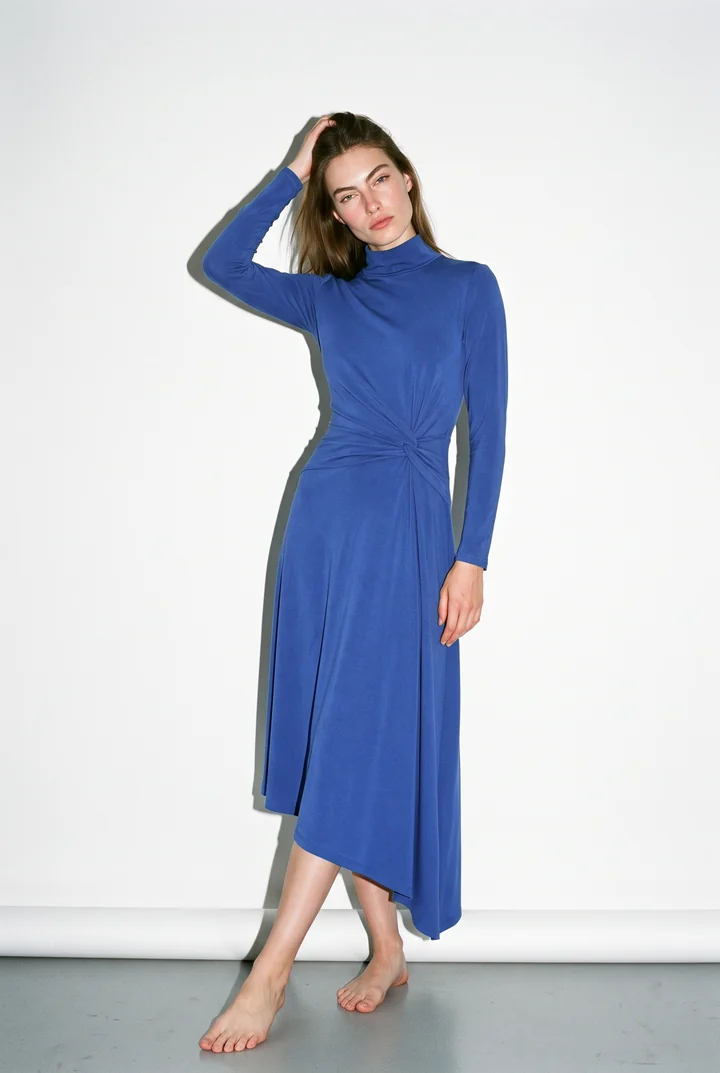
How it works
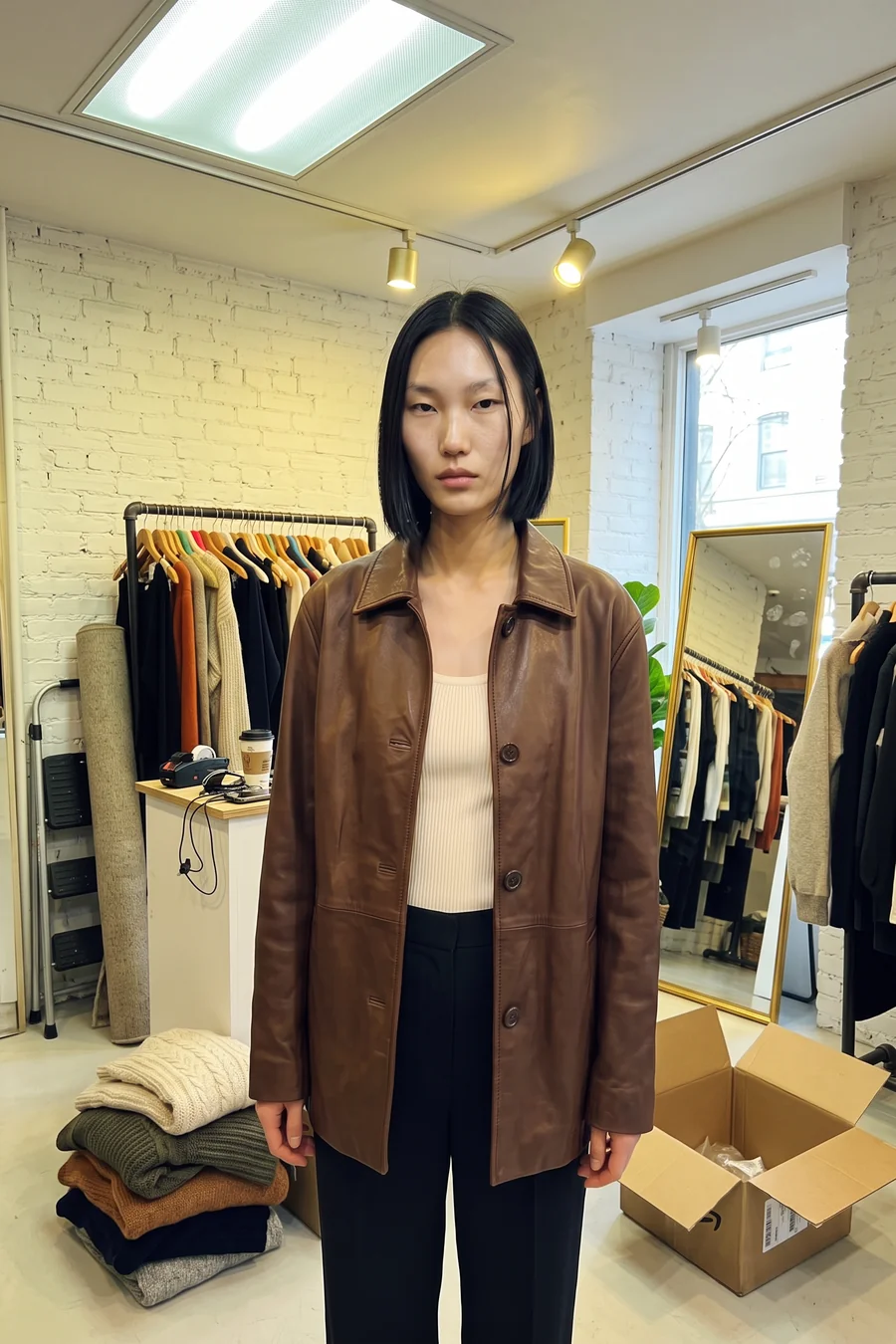
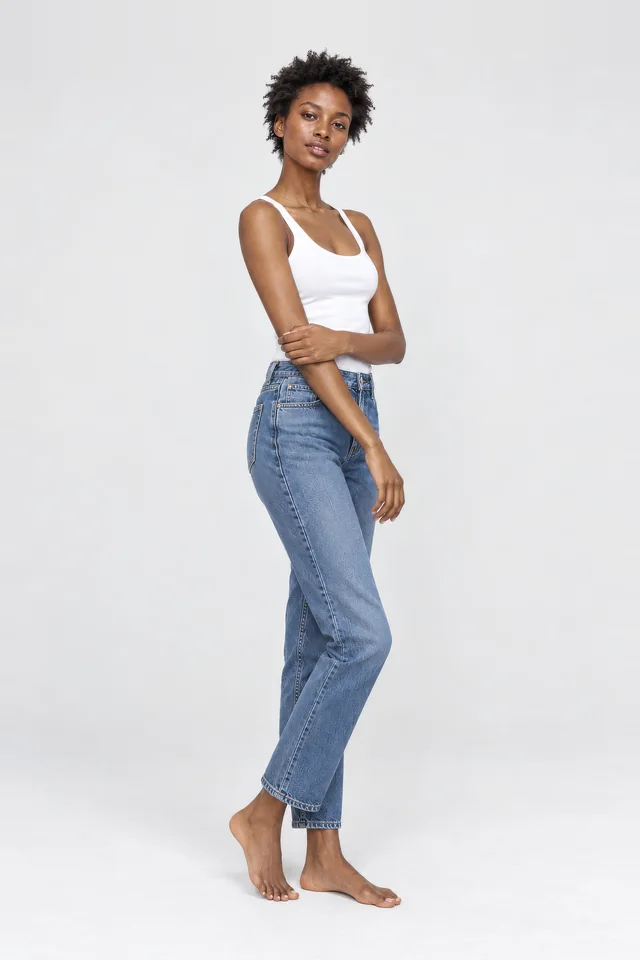
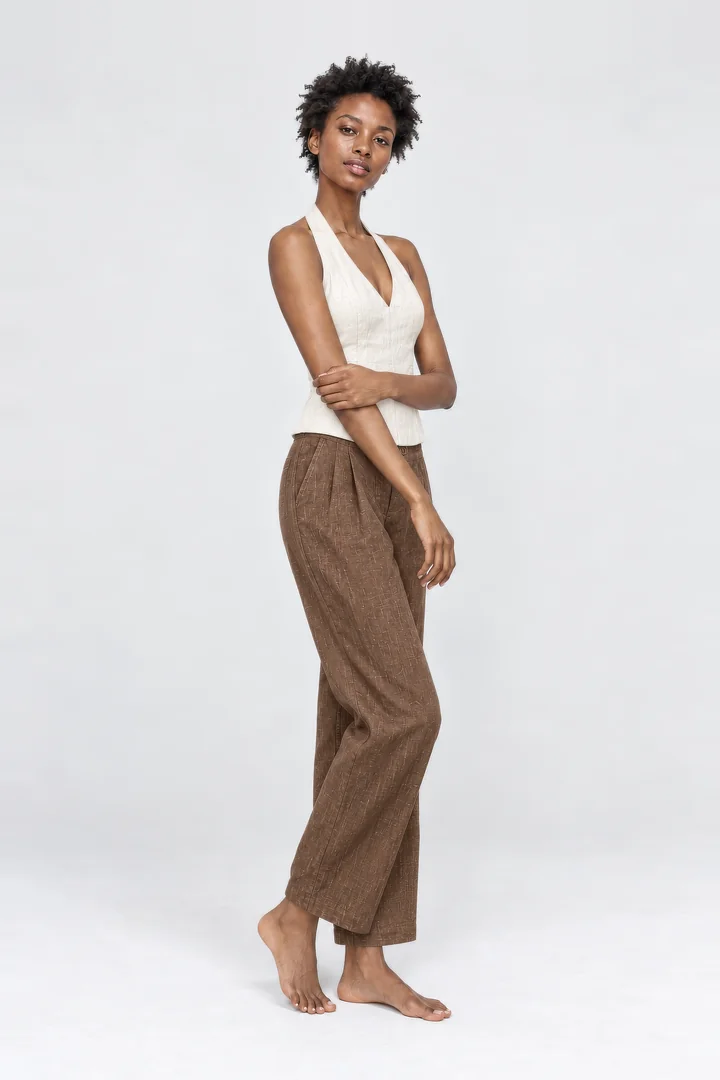
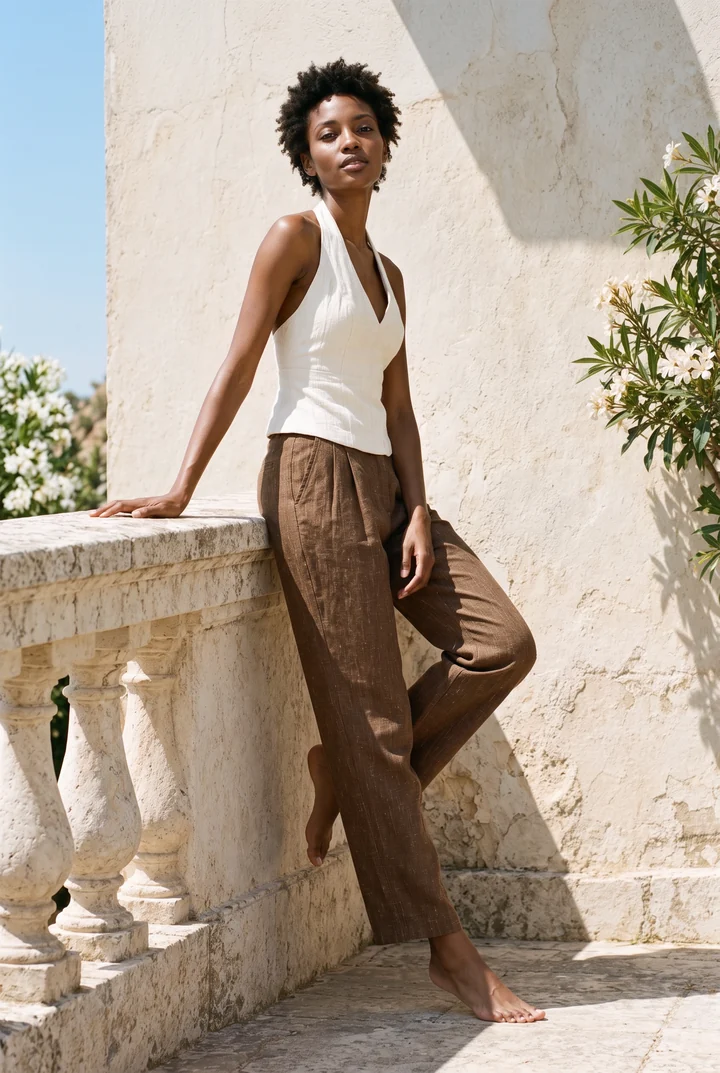
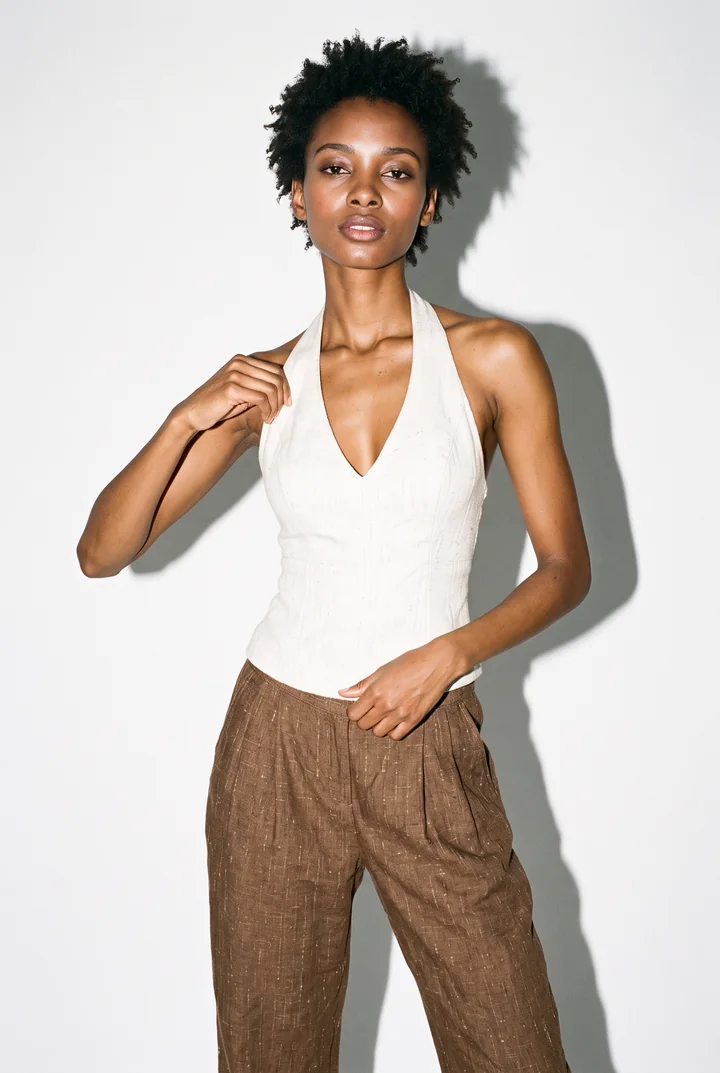
Choose several model photos and several garment photos at once.
Every combination, or in order: first model with first garment, and so on. Preview the pairs before you start.
See the credits per pair and the total, then start. Results arrive in your batch history.
Plan a batch
Every model wears every garment.
24 pairs0 / 24
Fits in one batch. It runs in the background, like every ClothShift job, and you check the cost before it starts.
A batch takes up to 100 pairs and 400 images. Counts 3 credits per image on the default engine; premium engines and 4K cost more.
What you can set
Photos that work best
Works well
Avoid
Where it helps
Put a full drop on your models in one run, ready for the product pages.
Produce consistent on-model images for every listing in the same afternoon.
Try the same garments on several models and choose the one that suits the brand.
Up to 100 photos in total and up to 400 finished images per run.
No. Batches run in the background. Close the app or keep working, and the results appear in your batch history.
Yes. Batch try-on works in the web studio and in the app, on the same account.