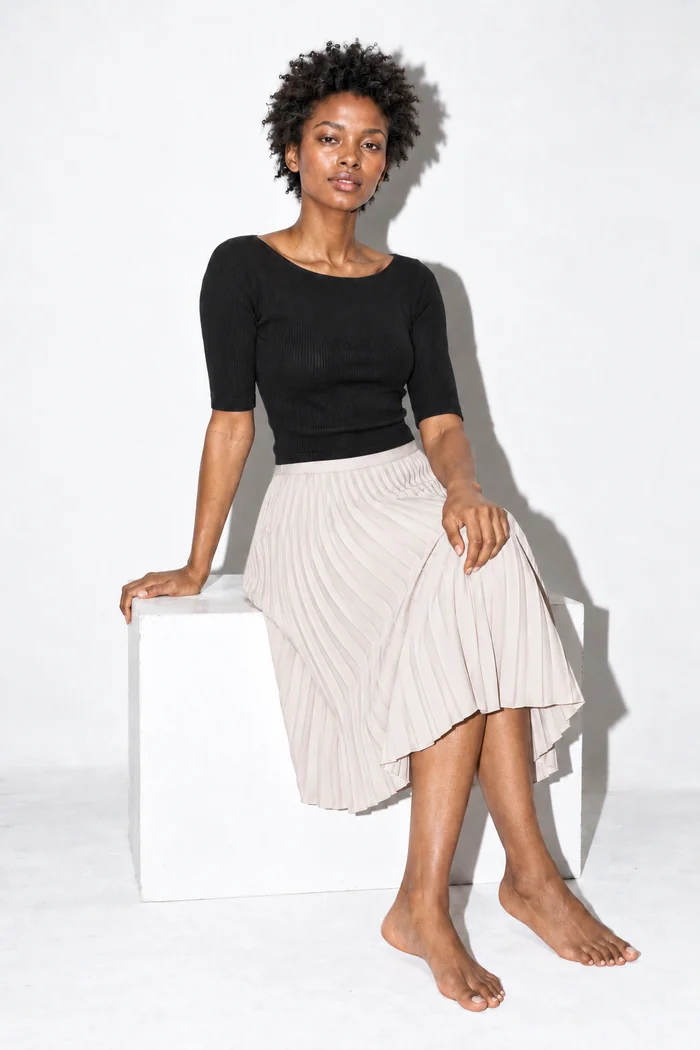
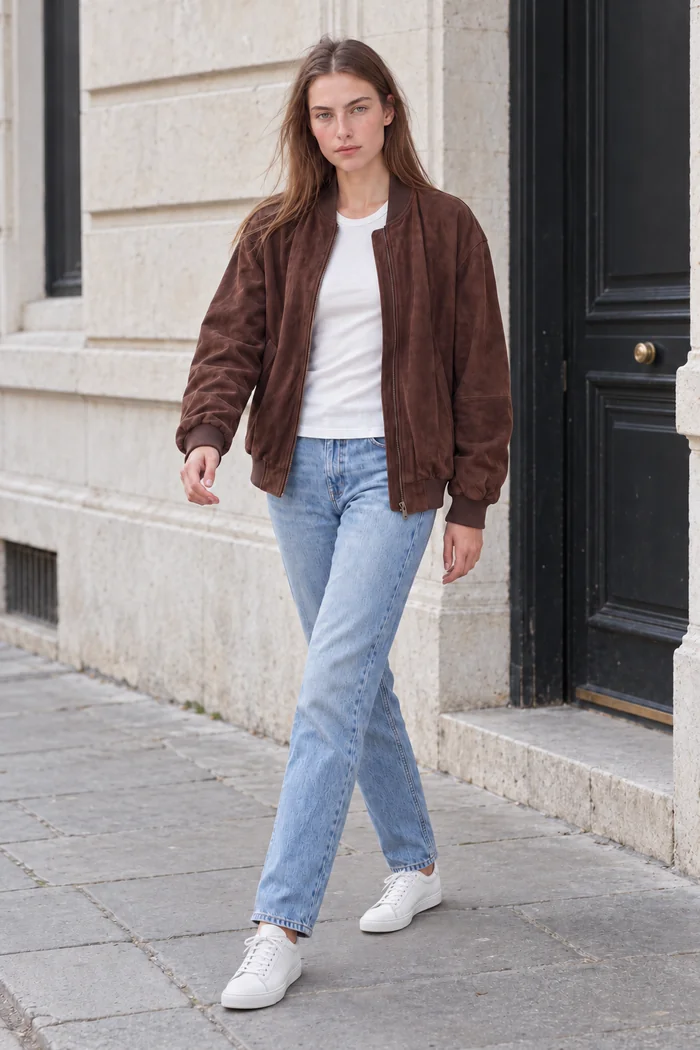
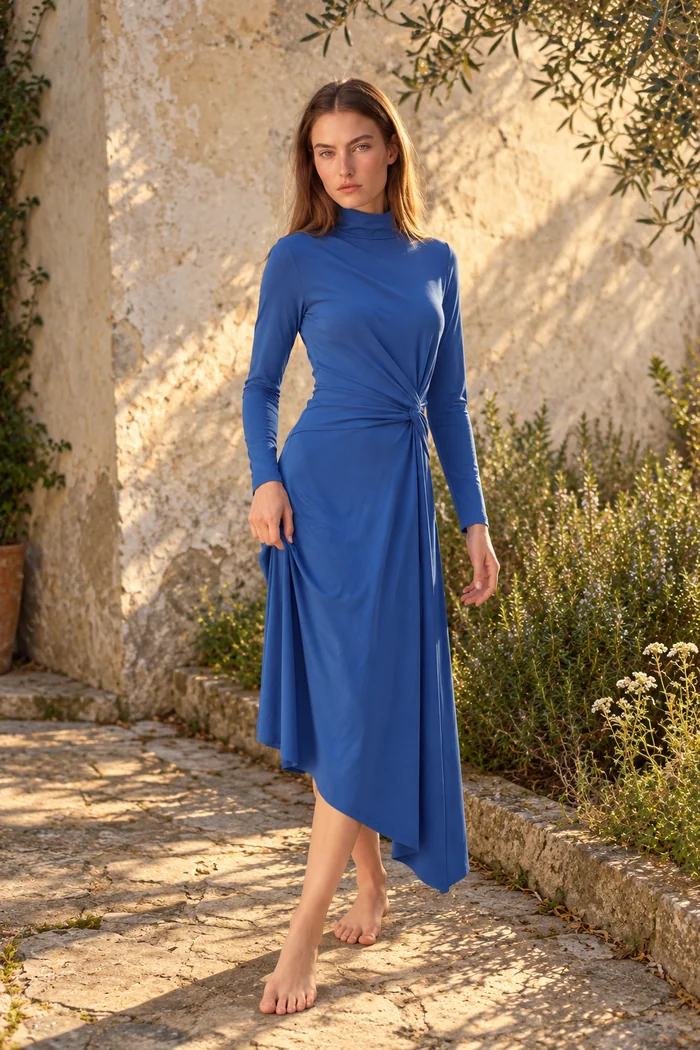
Campaign variations
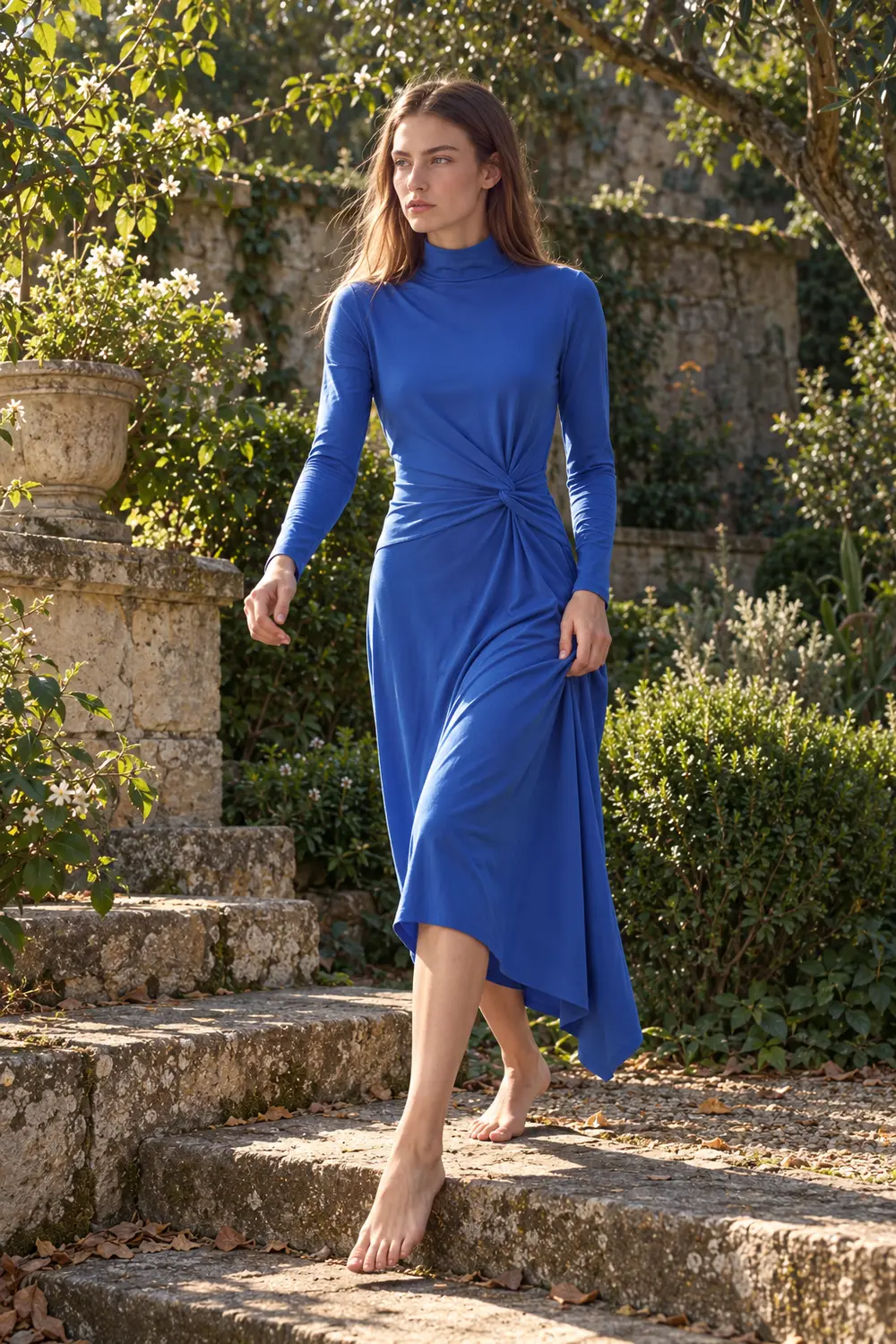
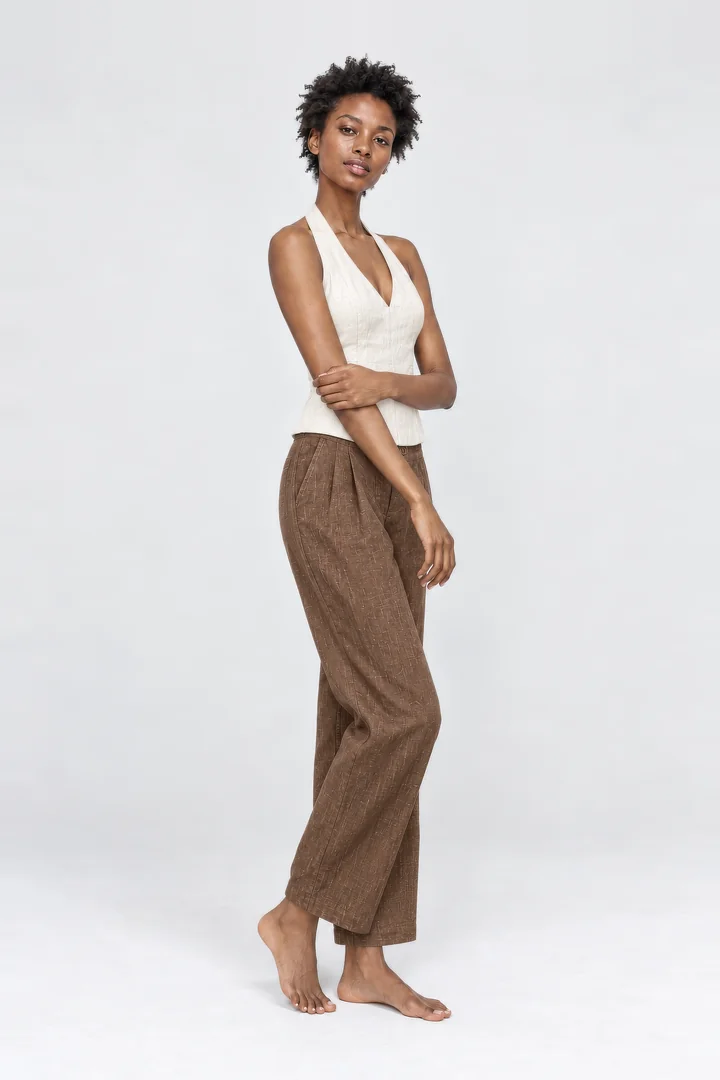
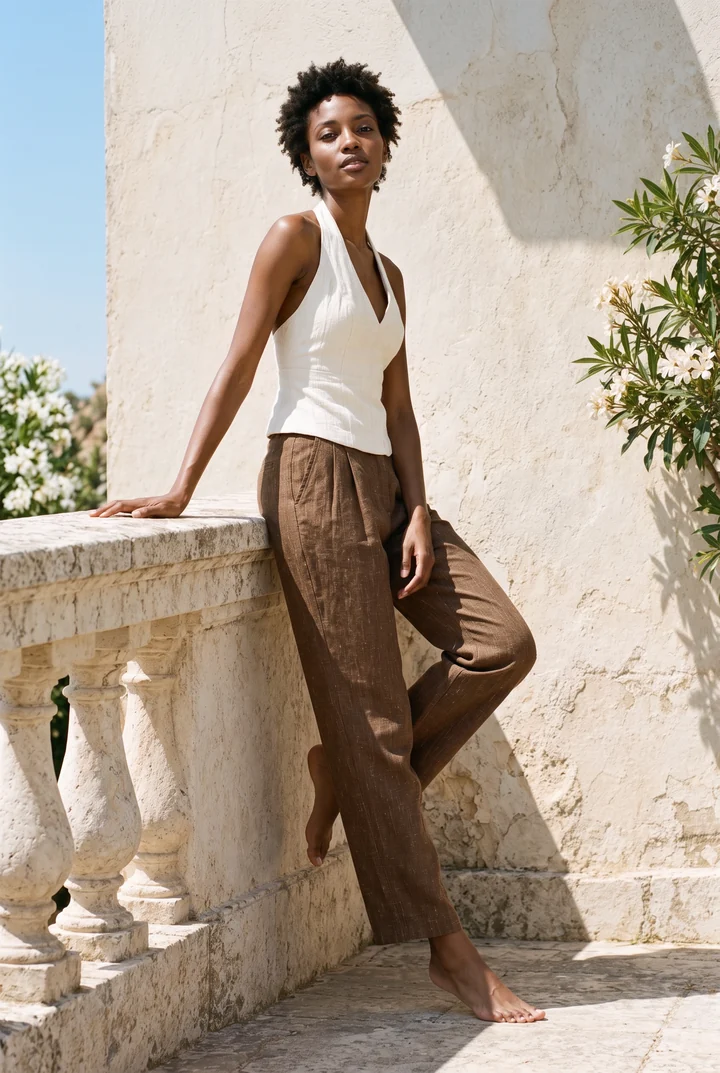
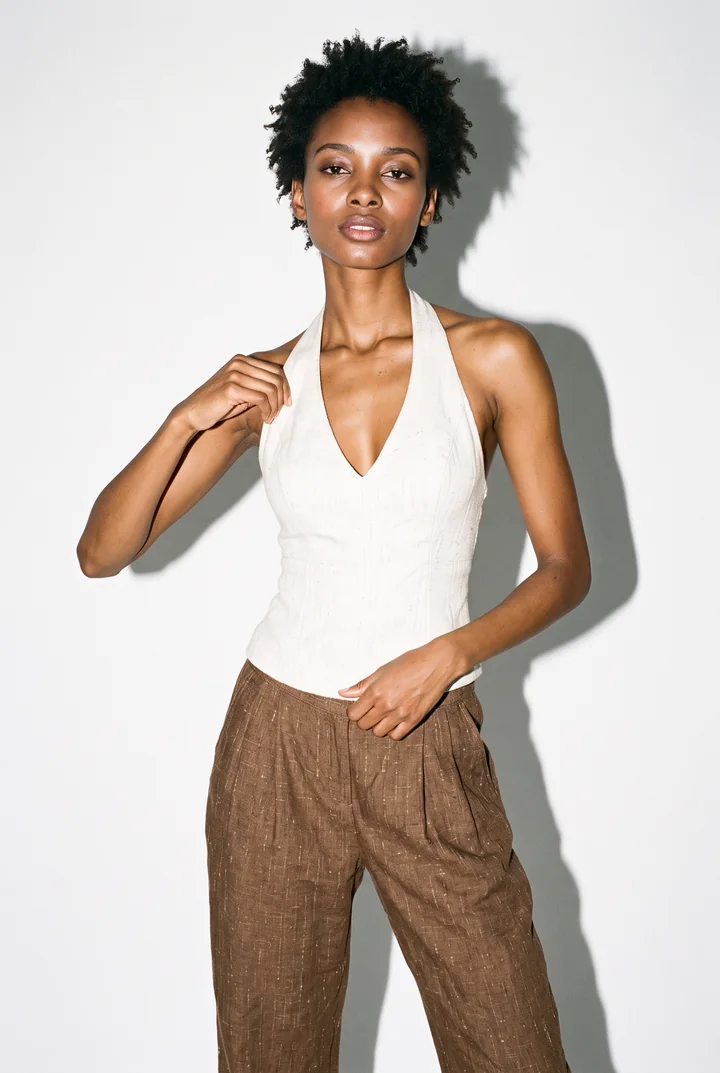
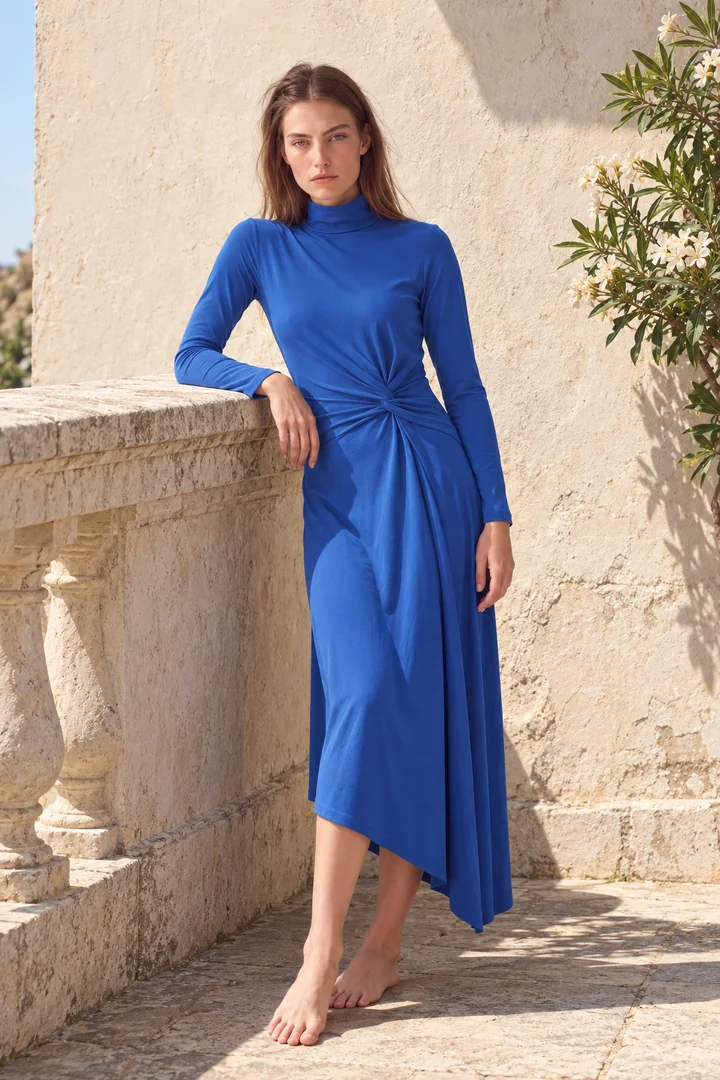
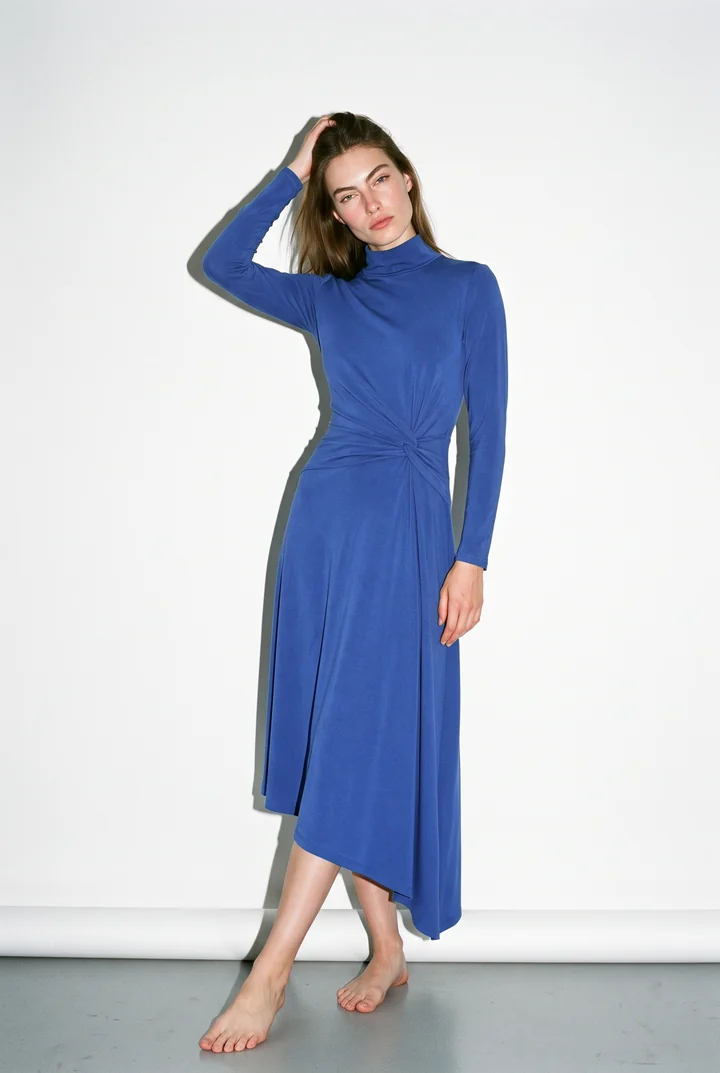
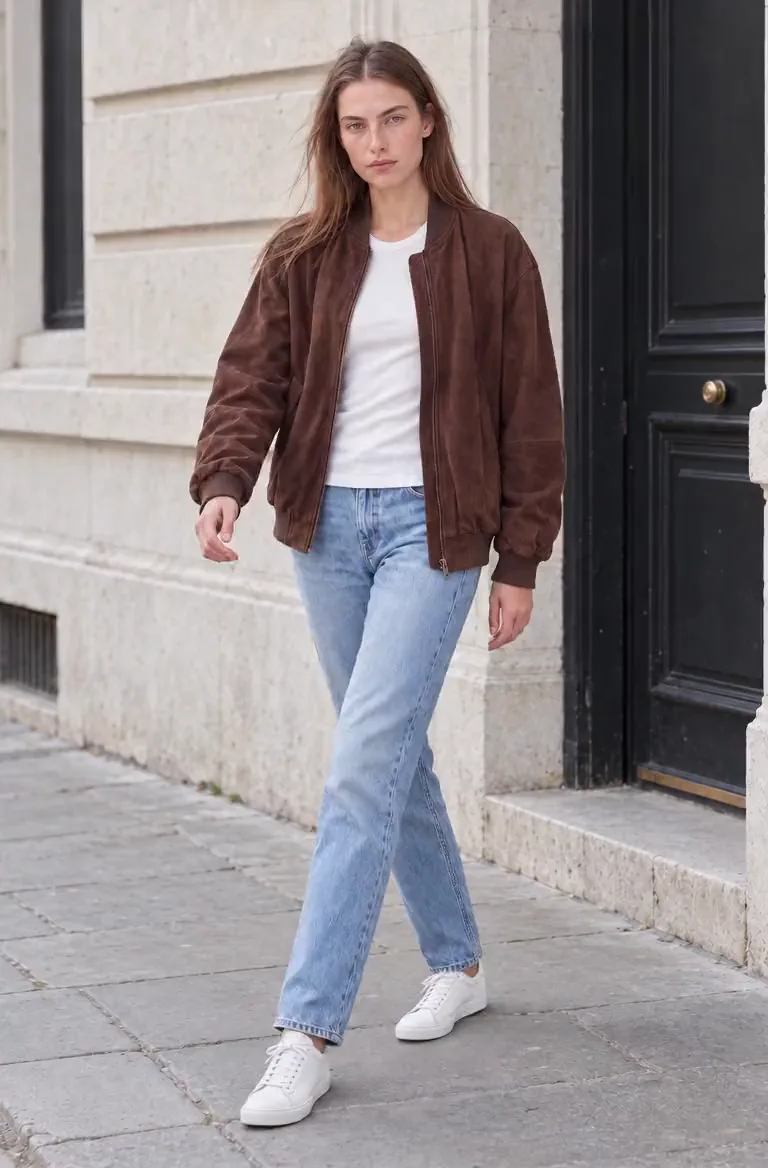
Take one good studio image to a terrace, a garden and a city street.
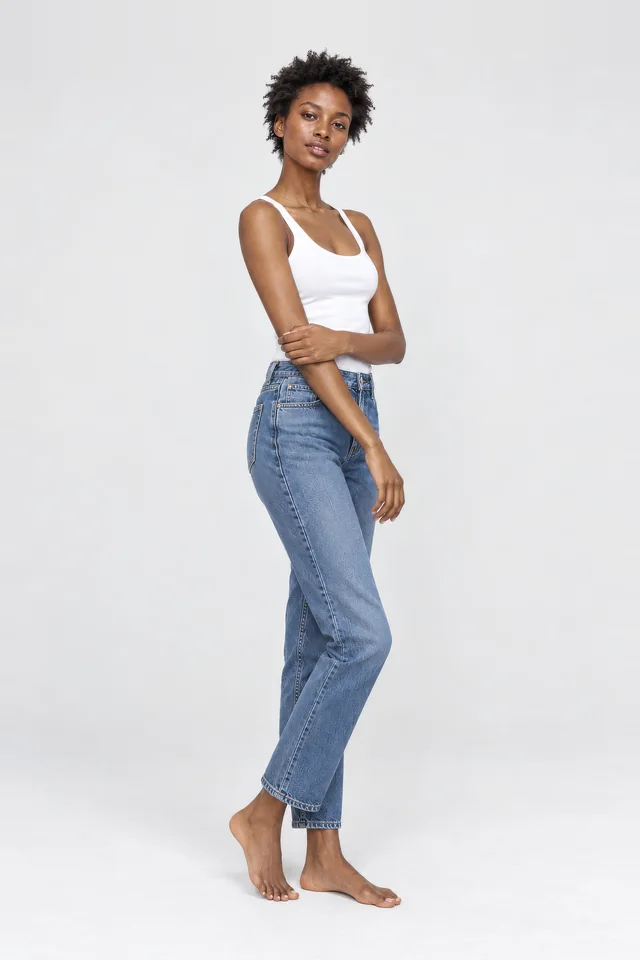
Describe what should change, or start from a ready-made template. A new location, a different pose, another hair colour. ClothShift keeps the garment as it is.
Also: ready-made templates for product pages, marketplaces and social media, with new ones added over time. See the template sets
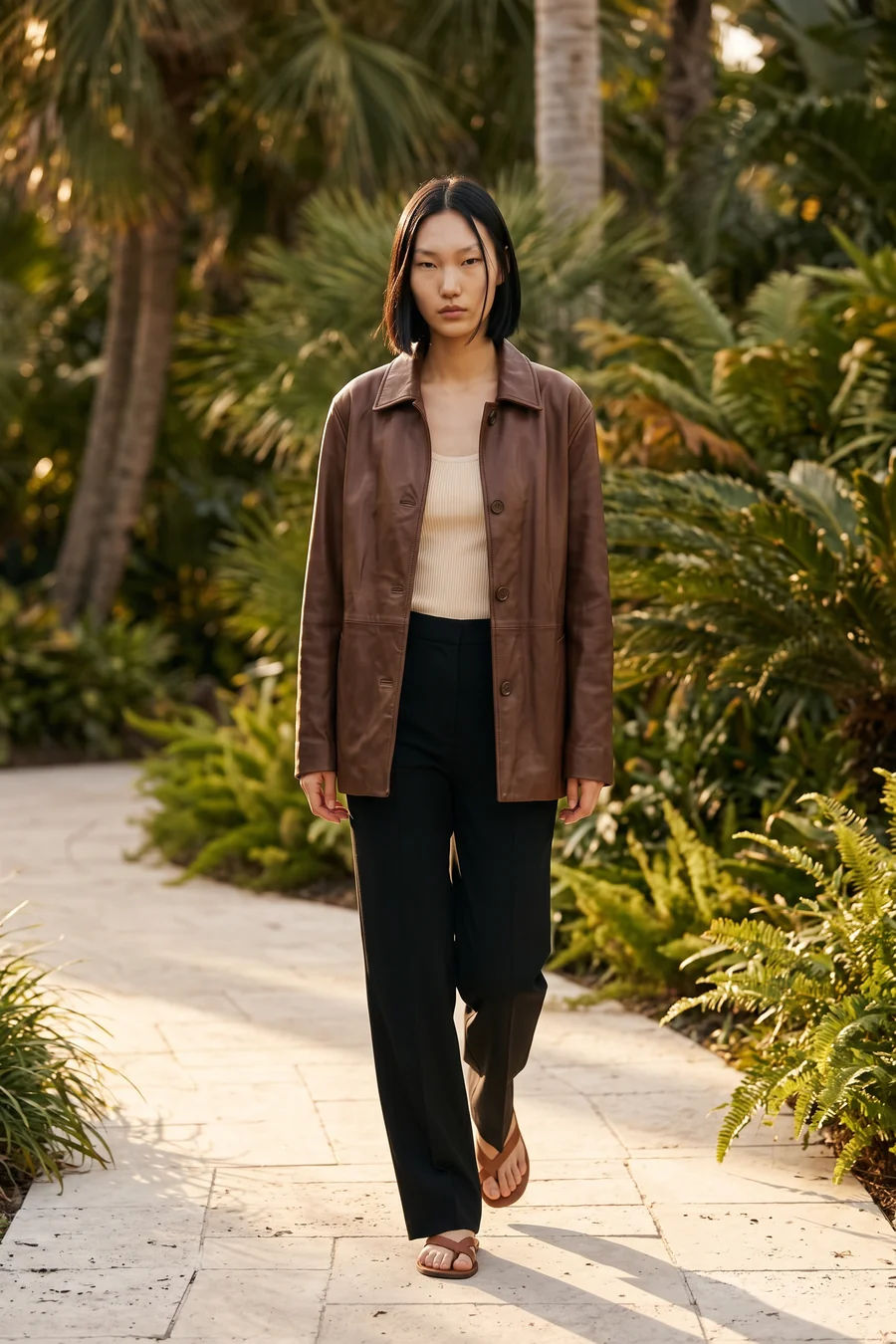
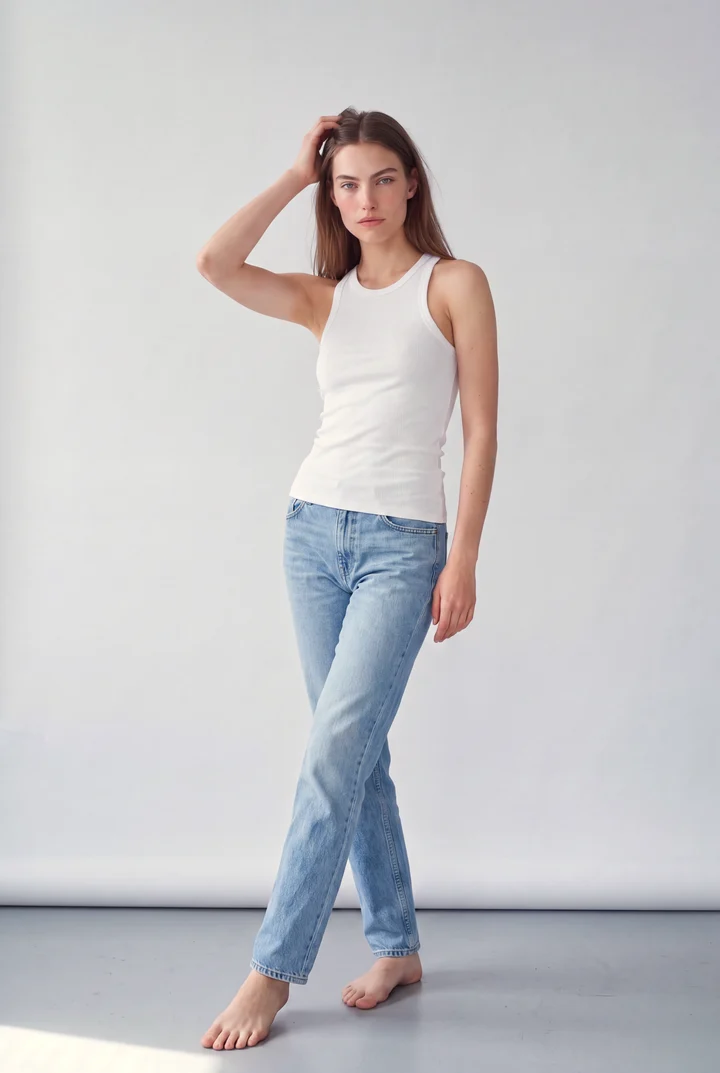
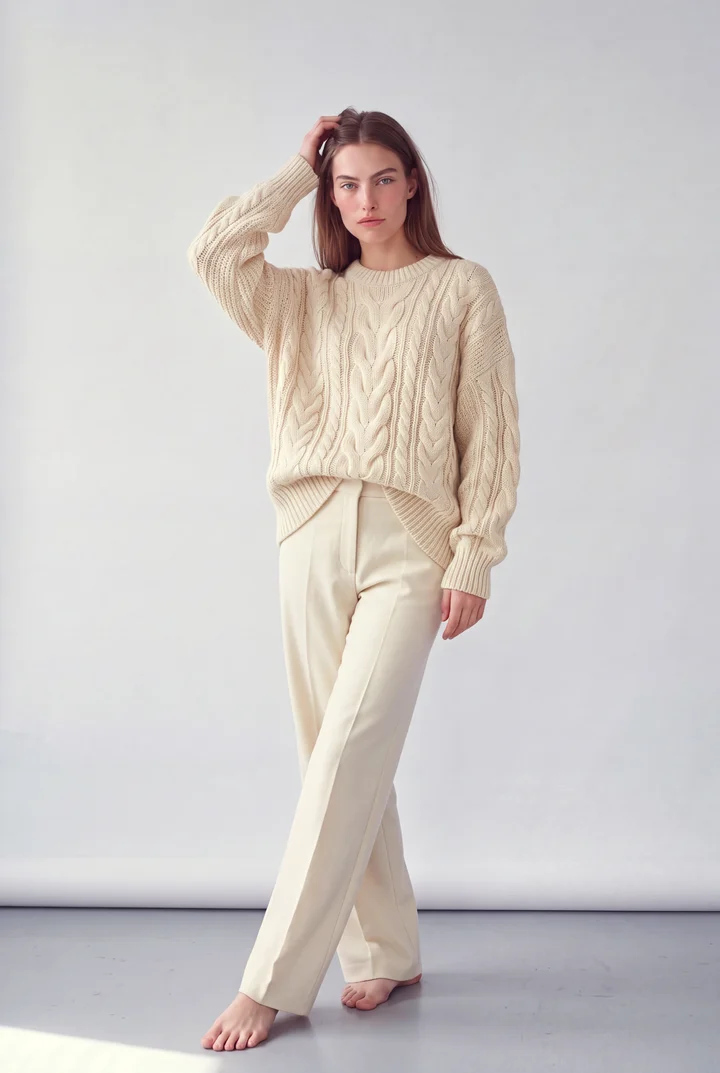
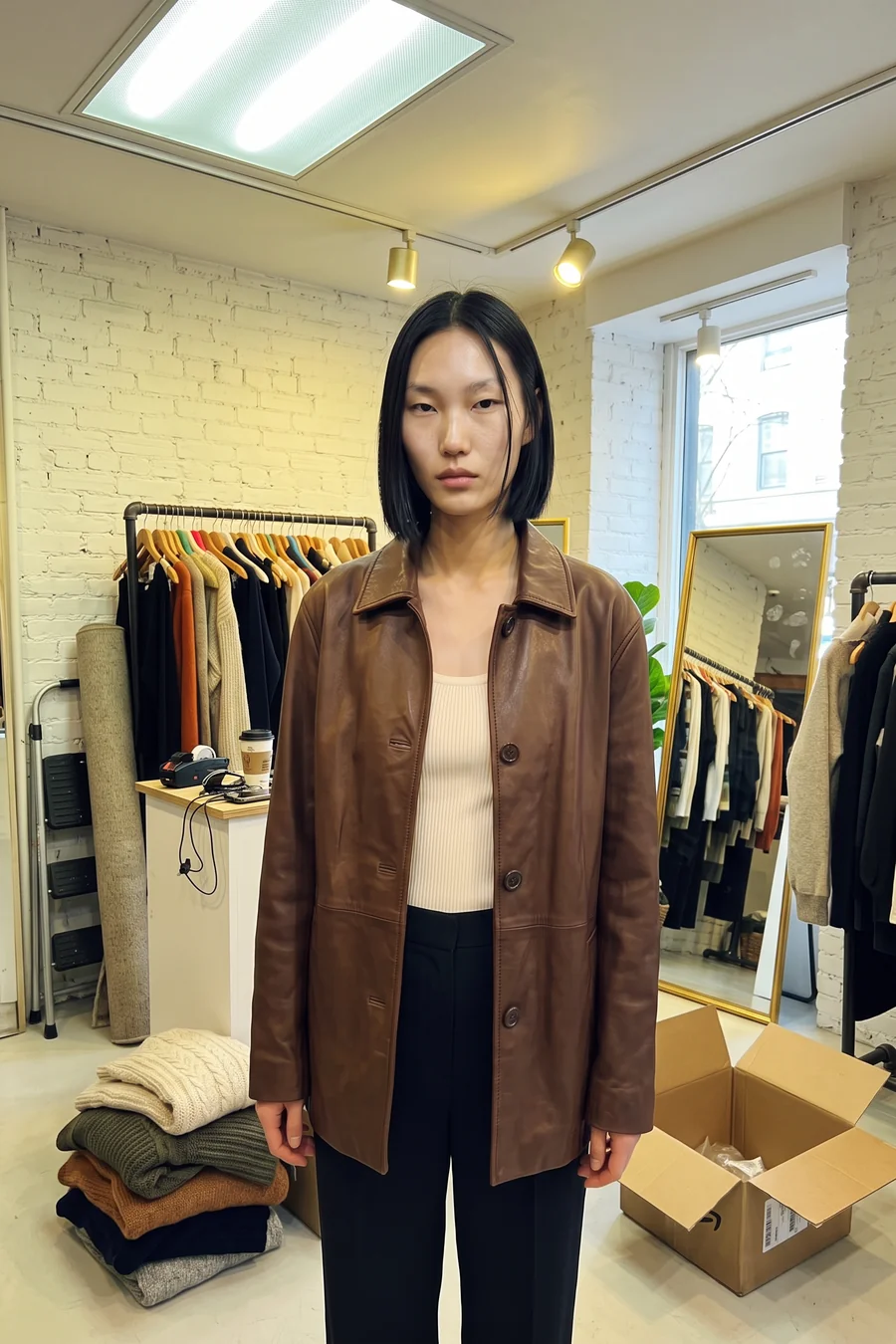 OriginalReshot
“Walking through a garden with palms, warm afternoon sun.”
Also: ready-made templates for product pages, marketplaces and social media, with new ones added over time. See the template sets
Reshoot templates
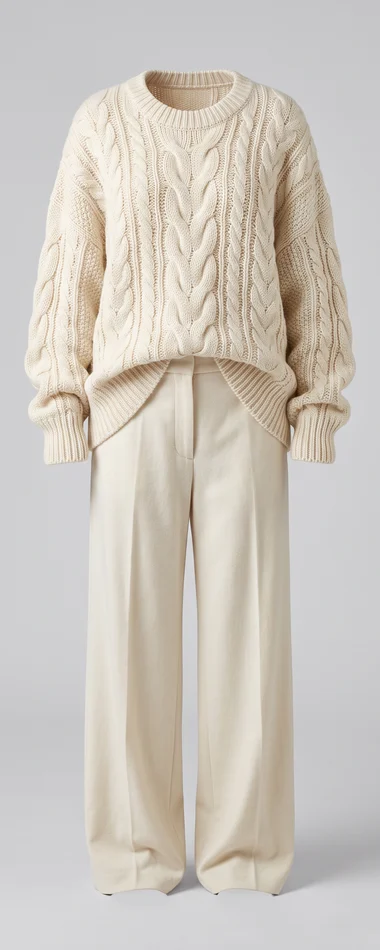
Turn one try-on result into the rest of the set: the angles and close-ups a product page needs, clean marketplace shots with no model, and natural phone photos for social media. Each photo is one ready-made Reshoot template.
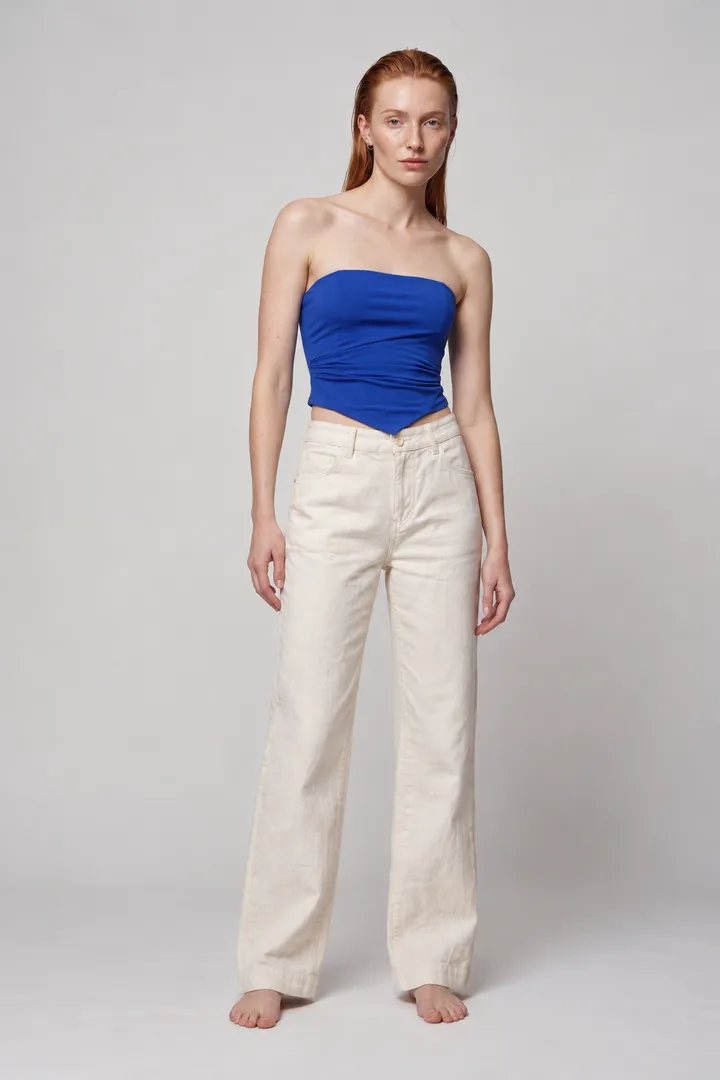
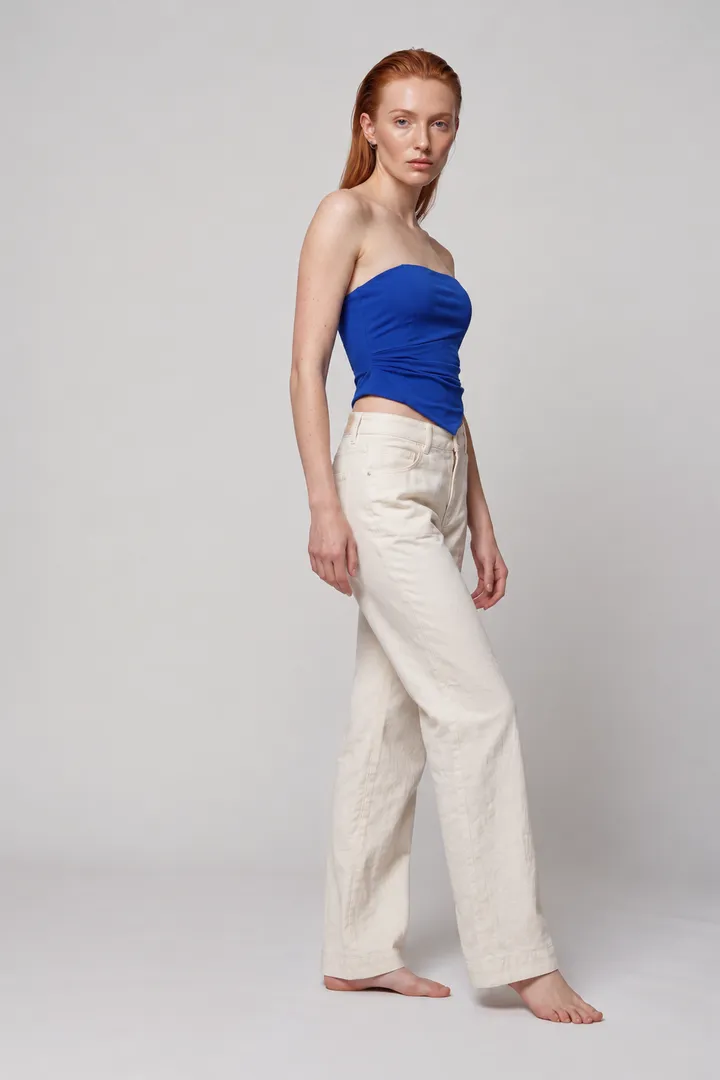
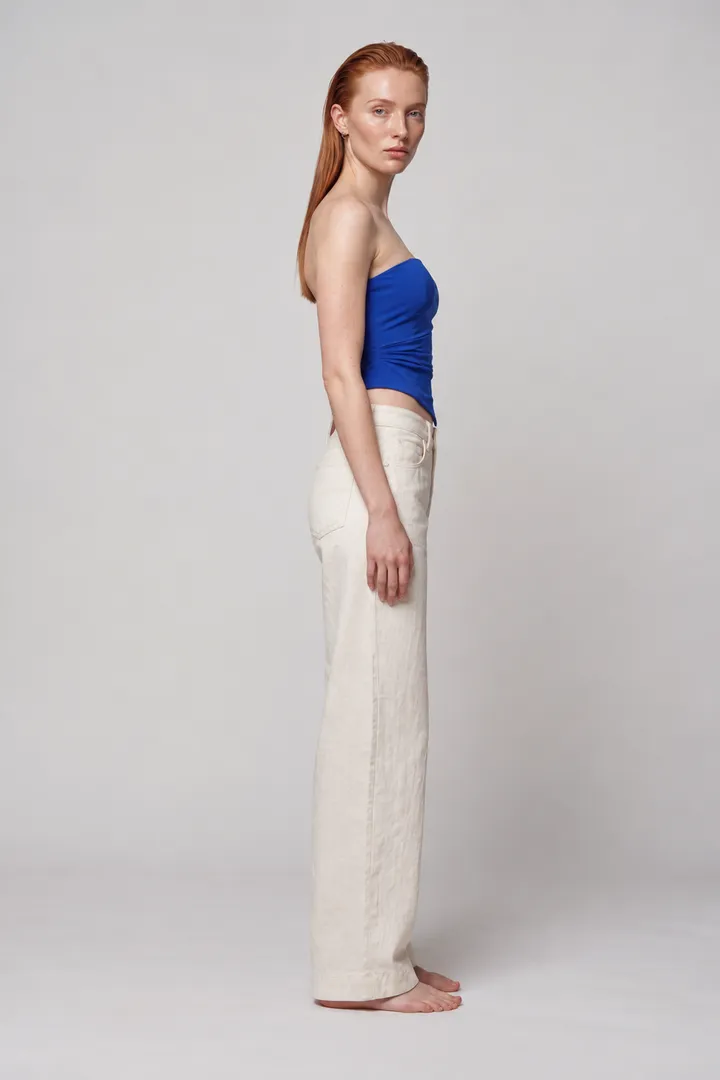
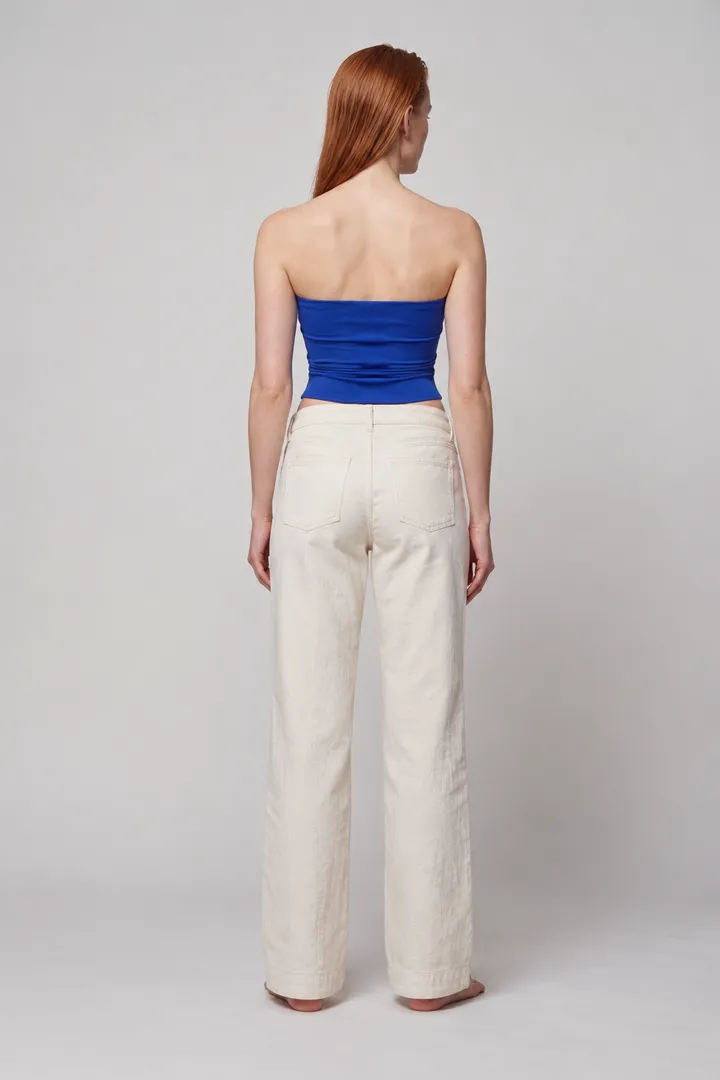
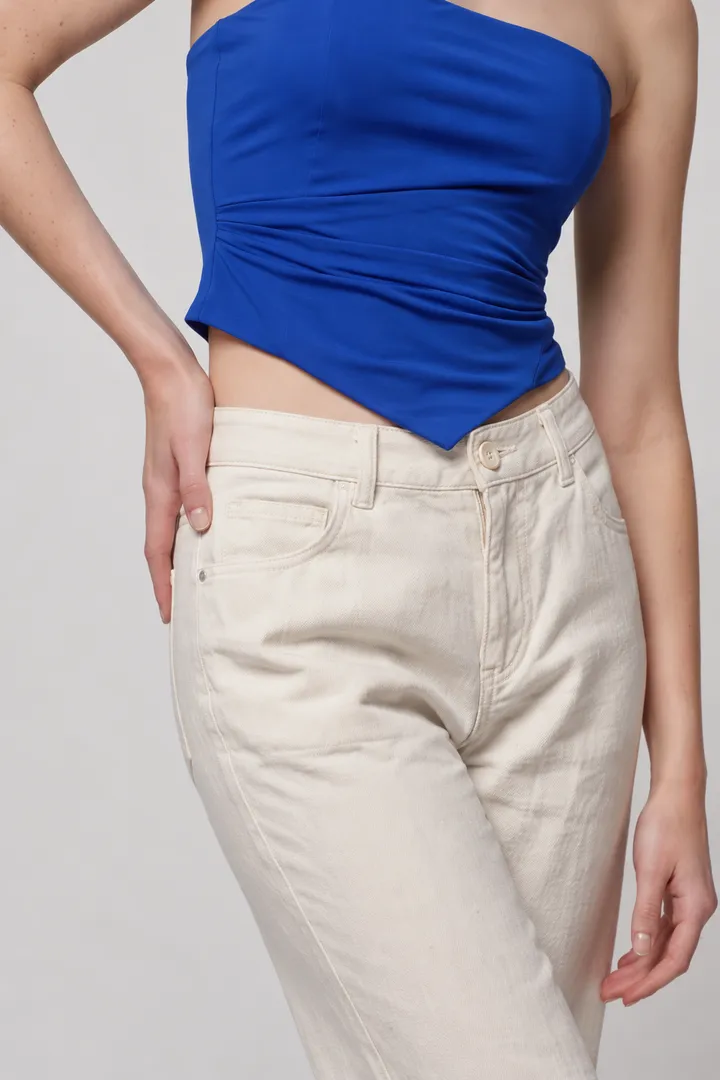
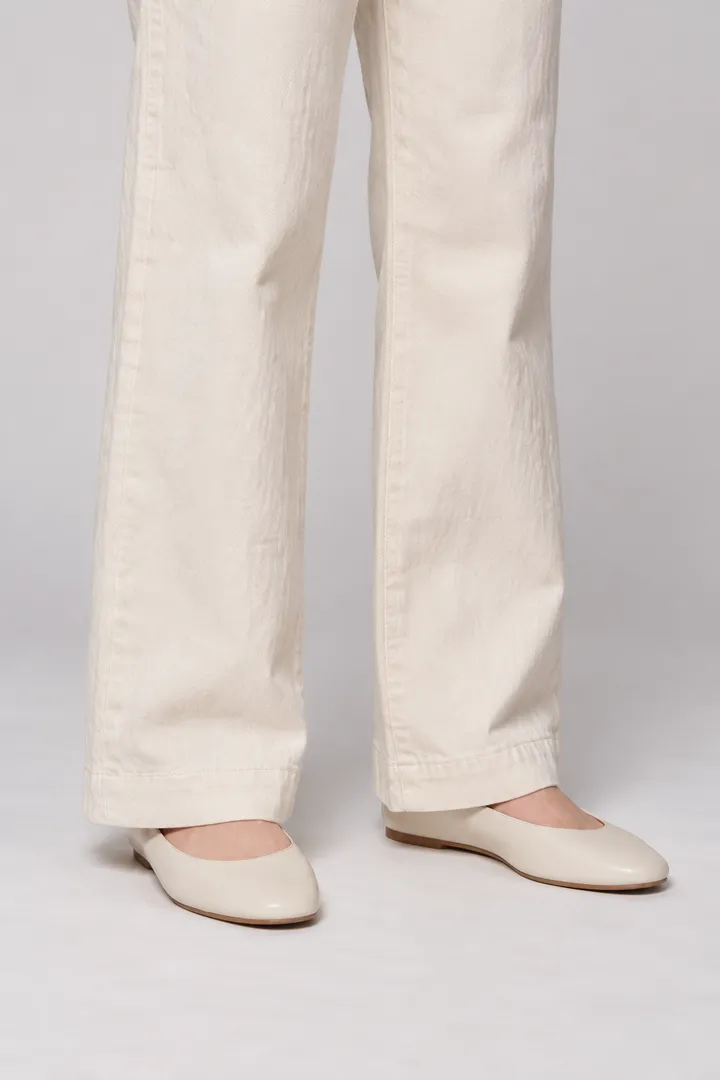
Every image here is a ClothShift result, made from one try-on.
From the Poses and Product Details templates. The back view assumes a plain back, since the original shows only the front.
How it works
A try-on result, a photo from your shoot, or an image from another app.
Write it in plain words, or start from one of the ready-made templates.
Compare the original and the reshot image, and keep going until it is right.
What you can set
Photos that work best
Works well
Avoid
Where it helps
Take one good studio image to a terrace, a garden and a city street.
Give flat, over-smooth AI images real skin, light and texture.
A different pose or hair colour without booking the model again.
Front, back and close-ups, packshots and phone shots from one try-on, with the ready-made templates.
Reshoot is designed to keep the garment as it is and change what you describe. Review each result before you publish it.
Yes. The Phone Shots templates turn a photo into a mirror selfie in a boutique, a shot on the shop floor, one outside the shop or a mirror selfie at home. In the mirror shots, printed text reads backwards, as in a real mirror.
Yes. The Packshots templates turn an on-model photo into a ghost mannequin, flat lay or hanger photo, or put the outfit on a shop mannequin. Review each one before you publish, especially textured fabrics.
Yes. Reshoot works on any photo you upload, including AI images made elsewhere.
Reshoot is charged per image. The exact cost is shown before you generate.